Directory / plugin
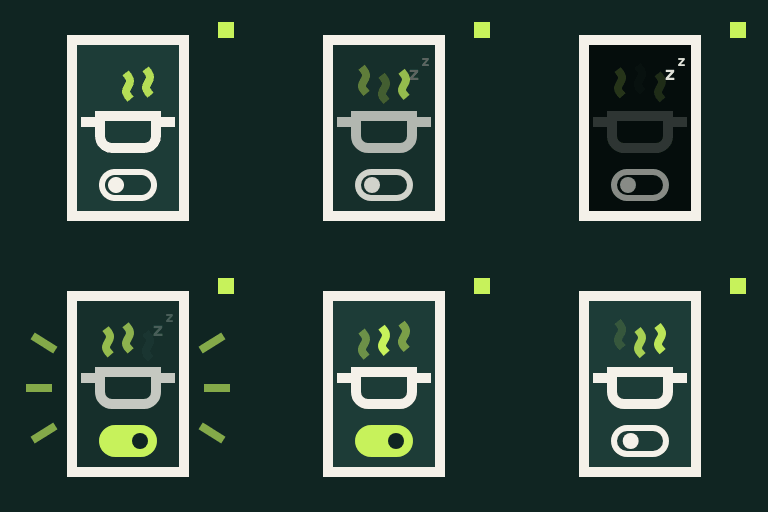
WakeChef Cook Mode
v1.0.0 · by Ali Nawaz
Add a Cook Mode toggle that keeps your readers' screens awake while they follow a recipe. Works with WP Recipe Maker or any recipe post.
About this plugin
Nothing is more frustrating than a phone screen going dark with flour on your hands. WakeChef Cook Mode adds a simple toggle to your recipes. When a reader switches it on, their screen stays awake until they switch it off or leave the page.
Add it wherever your recipes are
- WP Recipe Maker: one checkbox adds the toggle to every recipe card, at the top or bottom. No template editing needed.
- Any post type or category: automatically add the toggle to posts, pages, or custom post types, optionally limited to recipe categories. Works with recipes from any plugin, or recipes written straight into the post.
- Block: insert the Cook Mode block anywhere in the block editor.
- Shortcode: use
[wakechef_cook_mode]in classic content, widgets, or page builders.
Built for real kitchens
- Uses the browser’s Screen Wake Lock API, supported in current Chrome, Edge, Safari, and Firefox.
- If the reader switches apps or tabs, Cook Mode resumes automatically when they come back.
- Every toggle on a page stays in sync, even with several recipes on one page.
- Accessible: a real switch with a label, keyboard support, and status announcements for screen readers.
- Lightweight: a few kilobytes of plain JavaScript, no jQuery, and assets load only on pages that show the toggle.
- Hidden when a recipe is printed.
Customize it
Change the label, description, and accent color under Settings WakeChef Cook Mode. The block and shortcode can override the text for individual recipes.